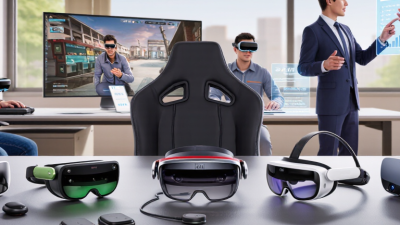
Why Choose AR Smart Glasses for Business?
Why Choose AR Smart Glasses for Business? The answer begins with work that cannot wait for a screen.
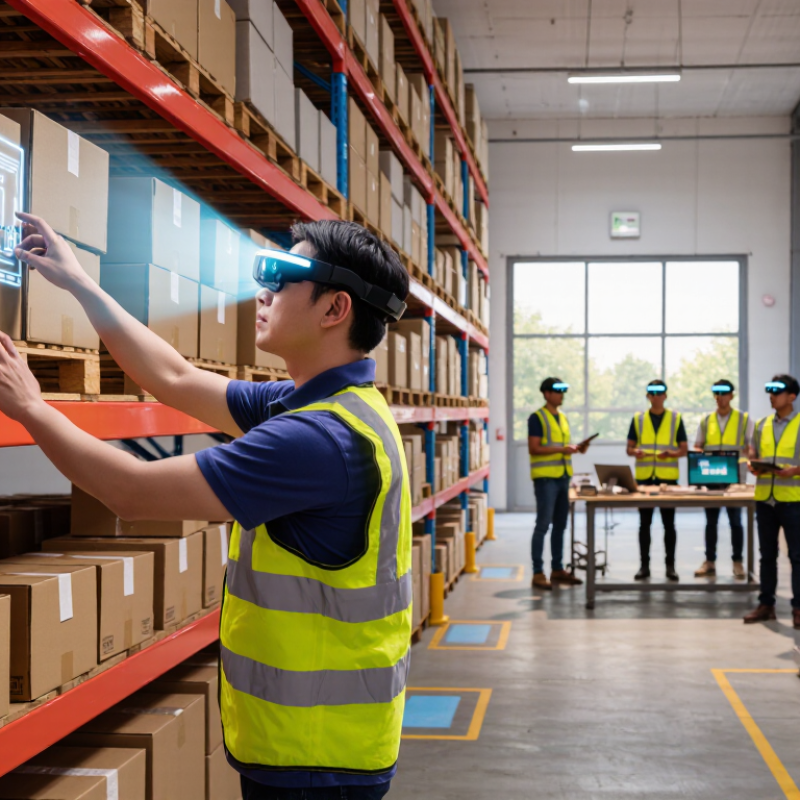
In warehouses, Ar Smart Glasses can display picking instructions beside the correct shelf. A technician can view a repair diagram while keeping both hands on a machine. A field engineer can share a live view with a remote specialist. These moments explain the appeal better than glossy product demonstrations. They also reveal the limits.
Hugo Swart, Qualcomm’s former vice president and general manager of XR, has said, “XR is the next computing platform.” That perspective gives Ar Smart Glasses a serious business context. They are not merely futuristic accessories. They can reduce repeated screen checks, shorten training sessions, and place approved information closer to the task. Still, hardware alone cannot improve a weak process. Battery life may disappoint. Poor lighting can reduce readability. Employees may also resist devices that feel intrusive.
A credible business case needs evidence. A company could begin with one warehouse team, measure picking accuracy, and record training time. At one repair site, workers might compare hands-free guidance with printed manuals. The results may be useful, but not perfect. Some gains can come from better training, not the glasses themselves. That distinction matters.
The strongest adoption plans protect privacy, limit data collection, and provide clear employee consent. They also connect the glasses with existing software and support safe, human review. Ar Smart Glasses can make work more visible, responsive, and precise. However, careful testing—not excitement—should decide whether they belong in a business workflow.
What Are AR Smart Glasses and How Do They Work?
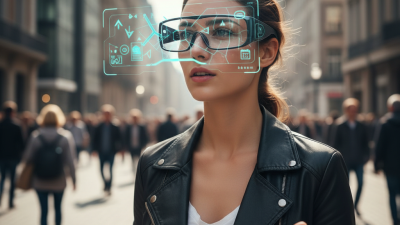
AR smart glasses place digital information inside the user’s real surroundings. Unlike virtual reality headsets, they do not fully block the physical world. A transparent display can show repair steps beside a machine, while the worker keeps both hands free.
Small cameras and depth sensors map nearby surfaces. Motion sensors track head movement. Software then uses spatial computing, often called SLAM, to anchor text, arrows, or 3D models in fixed positions. Voice commands, hand gestures, and remote support can control the interface. Some processing happens on the glasses, while heavier tasks move to a phone, computer, or secure cloud system.
The details matter.
Grand View Research valued the global augmented reality market at 62.7 billion dollars in 2023. It projects a 39.8% compound annual growth rate through 2030. IDC’s Worldwide AR/VR Spending Guide forecasts global spending will reach 52.05 billion dollars by 2027. These figures suggest strong commercial interest, not guaranteed workplace value.
In practice, a warehouse employee might see a highlighted shelf location while walking through a noisy aisle. A field technician could stream a machine view to an expert miles away. Yet limited battery life, narrow viewing areas, glare, and uncomfortable weight can reduce adoption. Camera use also requires careful privacy controls and clear workplace policies. The technology feels advanced. Sometimes, the workflow is not. Companies should test one measurable task before expanding deployment.
Why Choose AR Smart Glasses for Business?
What Are AR Smart Glasses and How Do They Work?
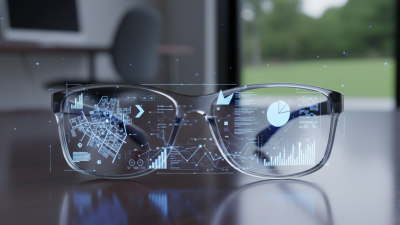
AR smart glasses combine a transparent display, cameras, microphones, speakers, motion sensors, and wireless connectivity. They place digital instructions, navigation cues, equipment information, or remote expert guidance within the user's field of view while keeping both hands available.
The chart presents a practical capability index from 1 to 5, showing how AR smart glasses can support common business activities. Higher values indicate stronger alignment with the requirements of each workflow, such as hands-free access, real-time visual guidance, and remote collaboration.
Which Business Tasks Can AR Smart Glasses Improve?
Why Choose AR Smart Glasses for Business?
Which Business Tasks Can AR Smart Glasses Improve?
AR smart glasses can place work instructions, diagrams, and alerts inside an employee’s view. In a warehouse, workers can scan shelves and see item locations without holding a tablet. Pick lists become easier to follow when both hands are busy. Small visual cues can reduce search time and unnecessary walking.
Field technicians can view repair steps beside equipment. They can share a live view with a remote specialist when a fault remains unclear. This supports consistent training and faster decisions. In manufacturing, glasses can display inspection points, measurements, and safety checks during assembly. Records should be captured immediately, not reconstructed from memory later.
The value depends on careful implementation. Poor lighting, short battery life, or crowded displays can interrupt work. Some employees may feel watched, even without intentional monitoring. That concern deserves a clear policy. Start with one measurable task, such as reducing picking errors, and compare results before expanding. The numbers may disappoint at first. That is useful evidence, not failure. Privacy controls, ergonomic testing, and human review remain necessary, especially when a mistaken overlay could affect quality or safety.
What Benefits Do AR Smart Glasses Offer Businesses?
AR smart glasses can place digital instructions inside a worker’s normal field of view. That matters when both hands are carrying tools, samples, or inventory. In field trials, teams often scan a component, confirm a step, and record results without reaching for a tablet. Fewer interruptions can improve workflow consistency. Small gains add up. Technicians can also share a live view with a remote specialist. An expert may circle a valve, highlight a cable, or guide a repair from another location. This reduces travel time and helps newer employees handle unfamiliar equipment. However, the value depends on accurate instructions and stable connectivity.
Businesses can use AR glasses for onboarding, inspections, maintenance, logistics, and healthcare training. Visual prompts support consistent procedures, especially where printed manuals become outdated. Voice commands may improve accessibility and reduce contamination in controlled work areas. Captured data can support audits, quality reviews, and performance analysis when privacy controls are clear. That last condition matters. Organizations should limit collection, explain retention, and obtain appropriate consent. Reliable deployment also requires comfortable hardware, calibrated displays, secure networks, and measured training. A pilot with defined metrics is safer than a rushed rollout.
Yet AR is not a shortcut for weak processes. If instructions are confusing, the glasses can make mistakes feel more official. Bright sunlight, battery limits, motion discomfort, and distracting overlays may reduce acceptance. Workers need a quick way to pause the display. Listen to them. Track completion time, error rates, support requests, and user feedback before expanding. Results should be compared with existing methods, not optimistic claims. Some workflows may still work better with a phone, tablet, or human trainer.
What Features Should Businesses Evaluate Before Choosing Them?
Why Choose AR Smart Glasses for Business?
What Features Should Businesses Evaluate Before Choosing Them?
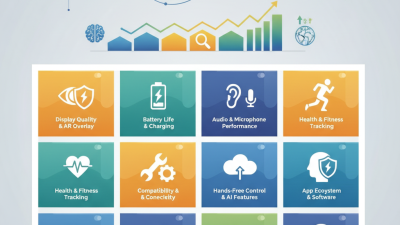
Business teams should evaluate smart glasses against real tasks, not impressive demonstrations. Start with display readability: can workers see prompts outdoors, under warehouse lights, and while moving? Check field of view, text size, and whether digital overlays obscure tools or people. A picker reading a short location cue has different needs from a technician viewing a wiring diagram. Fit matters.
Weight and balance affect comfort over a full shift. Ask staff to wear the device for realistic work periods, including with safety helmets or prescription eyewear. Test controls with gloves, and check whether voice commands work amid fans, forklifts, or conversation. Small annoyances matter. Battery life should cover the actual shift, not just a laboratory estimate; note charging time and spare-device needs.
Review connectivity, compatibility with existing work systems, and how updates and support are handled. Security deserves practical questions: what information is collected, where it is stored, and who can access it? A specification sheet can still mislead. Run a limited pilot, measure task time and error rates, and ask workers what slowed them down. One awkward step may outweigh several polished features.

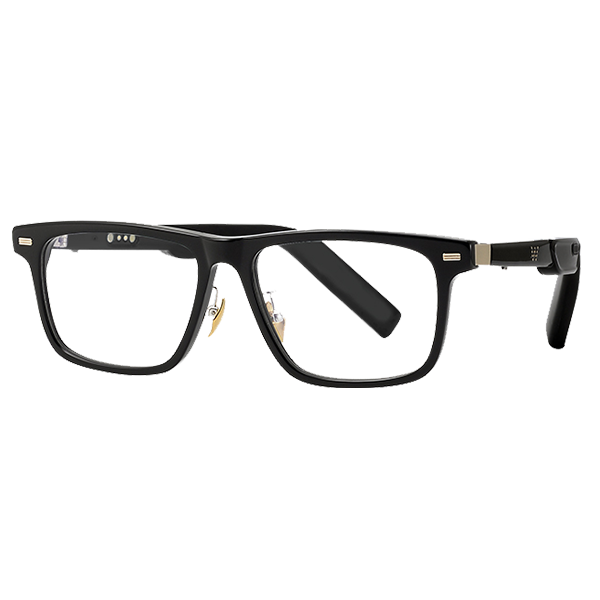 Smart Glasses
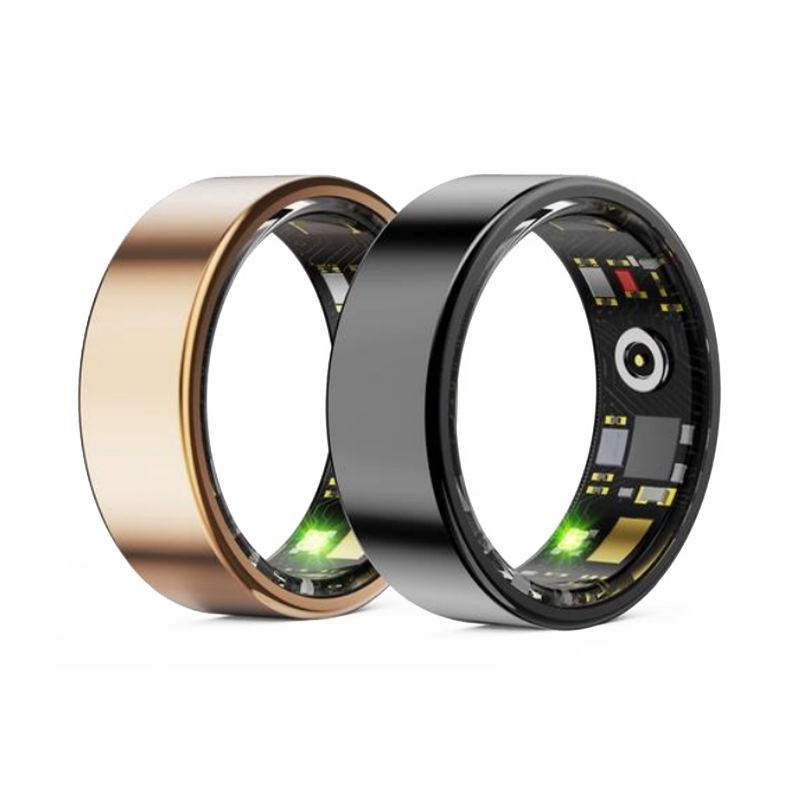 Smart Ring
 Smart Locator


 +86-13613020876