Top 10 Best Hands Free Smart Glasses to Buy in 2026
Hands-Free Smart Glasses are moving from novelty to everyday tool, but the best pair depends on what you need them to do. Grand View Research estimated the global smart glasses market at USD 1.93 billion in 2023 and projected a 13% compound annual growth rate from 2024 to 2030. That forecast signals momentum, not a guarantee that every new model is worth buying. Battery life, clear audio, comfortable frames, and dependable voice controls still matter more than a crowded feature list.
The appeal is simple. You can take a call while walking, hear directions without checking your phone, or capture a quick photo with a spoken command. Meta CEO Mark Zuckerberg described the form factor at Meta Connect 2024: “I think glasses are the ideal form factor for AI, because they let you let an AI see what you see and hear what you hear.” It is a compelling vision. Real-world privacy, fit, and battery limits deserve equal attention.
This guide compares ten options available in 2026, focusing on hands-free performance, comfort, useful features, and value. Some claims can look better on a product page than during a long day outside. That matters. Our ranking is a practical starting point, not a substitute for trying the frames on. Small details count: whether a button is easy to find, a voice command works in street noise, or the glasses stay comfortable after an hour.
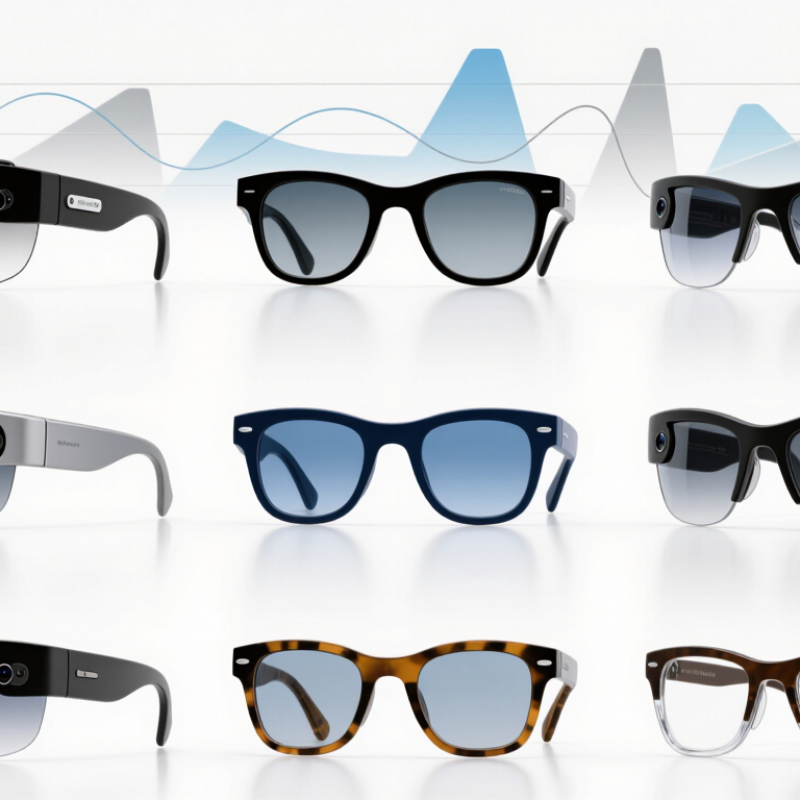
What Hands-Free Smart Glasses Are and How They Work
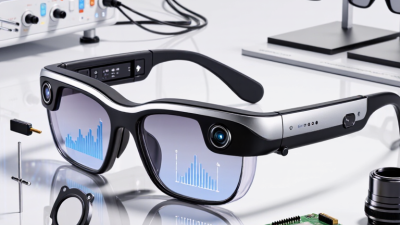
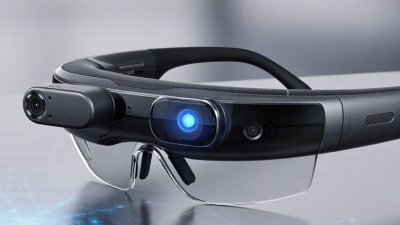
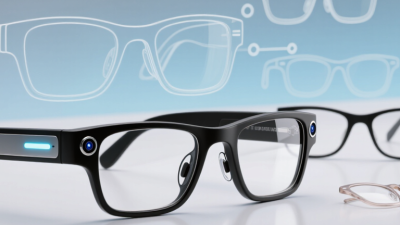
Hands-free smart glasses are eyewear with small electronics built into the frame. A microphone captures speech, while tiny speakers near the ears deliver calls, navigation prompts, or audio. Some models add a camera or a small display, but features vary. They are not magic. Think of them as compact computers with limits.
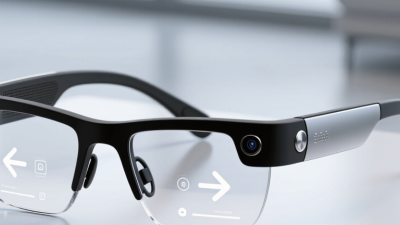
When you ask a voice assistant a question, the glasses may send audio to a connected phone or online service for processing. Bluetooth commonly carries calls and sound; buttons or touch-sensitive arms let you control playback. A display may show brief text or arrows. Bright sunlight, street noise, battery life, and prescription lenses can affect daily use. Voice commands help when your hands are full. Repeating one in a crowded place can feel awkward, though.
Tips: Test them indoors and outdoors. Check microphone pickup, speaker clarity, and comfort after an hour. Review what data may be stored and how recording indicators work. Keep your phone nearby if key features rely on it. Small details matter. A quick real-world test often reveals more than a polished demonstration.
Key Features to Consider Before Buying Smart Glasses
Key Features to Consider Before Buying Smart Glasses
Hands-free smart glasses can read notifications, take calls, or provide audio without requiring you to reach for your phone. The useful features depend on your routine. Check compatibility with your phone, the clarity of spoken controls, and whether the glasses support prescription lenses if needed. Fit matters, too. A frame that presses behind your ears may become distracting during a long commute. Try wearing it for at least twenty minutes, not just a quick fitting.
Battery life can change with frequent calls, audio playback, and voice commands, so compare estimates under similar use conditions. Look for comfortable sound at ordinary listening levels, clear microphones in a mildly noisy room, and controls you can operate without fumbling. If the glasses include a camera, check how recording is signaled and review the device’s privacy settings. Water resistance ratings also matter if you expect to wear them in light rain. One easy mistake is choosing the most features; some may rarely leave the settings menu.
Tips: Test them outdoors and indoors. Ask a friend to judge call clarity. Check replacement-lens costs and charging time before buying. Small details matter. I would treat advertised battery figures as estimates, since real use can be less tidy than a product test.
Top 10 Best Hands-Free Smart Glasses to Buy in 2026
Key features to consider before buying smart glasses
Use these suggested weights to compare hands-free smart glasses: prioritize a comfortable fit and practical battery life, then assess controls, audio, privacy, phone compatibility, and durability. The percentages are an editorial buying framework, not product test results or market statistics.
How to Compare Smart Glasses for Comfort, Battery Life, and Compatibility
Comfort is personal, so compare smart glasses after wearing them for at least fifteen minutes. Check whether the bridge presses against your nose and whether the arms pinch near your ears. Light frames can still feel tiring if their weight sits unevenly. Try reading a phone screen, turning your head, and looking down; small movements reveal slipping or pressure quickly. A soft case and adjustable nose pads may matter more than a sleek appearance.
Battery life depends on how you use the glasses. Audio calls, camera features, bright displays, and voice assistants can drain power faster than standby estimates suggest. Look for independent tests that describe actual use, not just advertised hours. Then check compatibility with your phone’s operating system, required app permissions, and the features you care about. Some functions may work only with specific devices. That part is easy to miss. Confirm whether controls work without a phone nearby, and whether updates require an active companion app. A small annoyance can become a daily one. I’d also leave room for imperfect trade-offs: longer battery life may mean more weight, while lighter frames may need more frequent charging.
Top 10 Best Hands-Free Smart Glasses to Buy in 2026
The best hands-free smart glasses to buy in 2026 should fit real routines, not just look impressive in a product photo. A useful top-ten shortlist compares clear strengths: lightweight frames for commuting, open-ear audio for calls, cameras for quick first-person clips, and display models for navigation prompts. Some combine voice control with translation or note-taking tools. Others keep features simple and prioritize comfort. Small details matter. Check whether the glasses respond reliably in a noisy café, stay secure when you turn your head, and feel comfortable after an hour. A bright screen can still be hard to read outdoors.
Before buying, compare verified battery tests, lens options, prescription support, privacy controls, and the companion app’s update history. Ask how much recording time remains after a typical day of calls and voice commands. Microphone quality is easy to overlook until a windy sidewalk ruins an important conversation. Independent reviews and clear warranty terms offer better evidence than feature lists alone. I would not rank the most advanced pair as best for everyone; extra functions can add weight, cost, and setup friction. That trade-off deserves attention. Choose the pair that handles your common tasks comfortably, and treat promised battery life as a claim to check against everyday use.
Safety, Privacy, and Everyday Use of Smart Glasses
Hands-free smart glasses can help with quick calls, spoken directions, and short voice notes while your hands are occupied. Their usefulness depends on comfort and clear controls, not just a long feature list. Check that the frame sits securely and that buttons or voice commands are easy to use. A loose fit can become distracting. Keep both eyes on your surroundings near traffic, stairs, and crowded sidewalks; hands-free does not mean attention-free.
Privacy deserves equal care. A camera or microphone may capture more than intended, including people nearby. Learn how recording is indicated, where files are stored, and how to disable features you do not need. Ask before recording others, and avoid sensitive conversations in shared spaces. Settings and indicators vary by device, so verify them rather than assuming. It is easy to forget a microphone is active; that small uncertainty is worth taking seriously.
Tips: Test the glasses at home before wearing them outside. Set a comfortable volume, review privacy controls, and use voice features only when they will not distract you. Take breaks if the frames press on your nose or temples. Convenience is useful, but it can take practice to judge when not to use it.
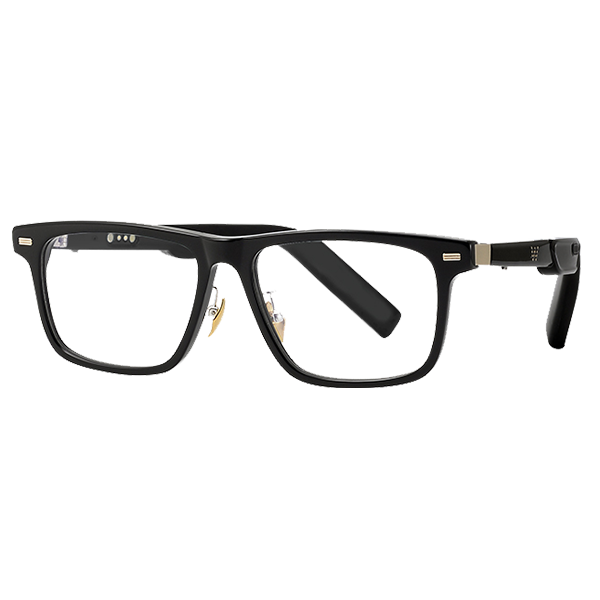 Smart Glasses
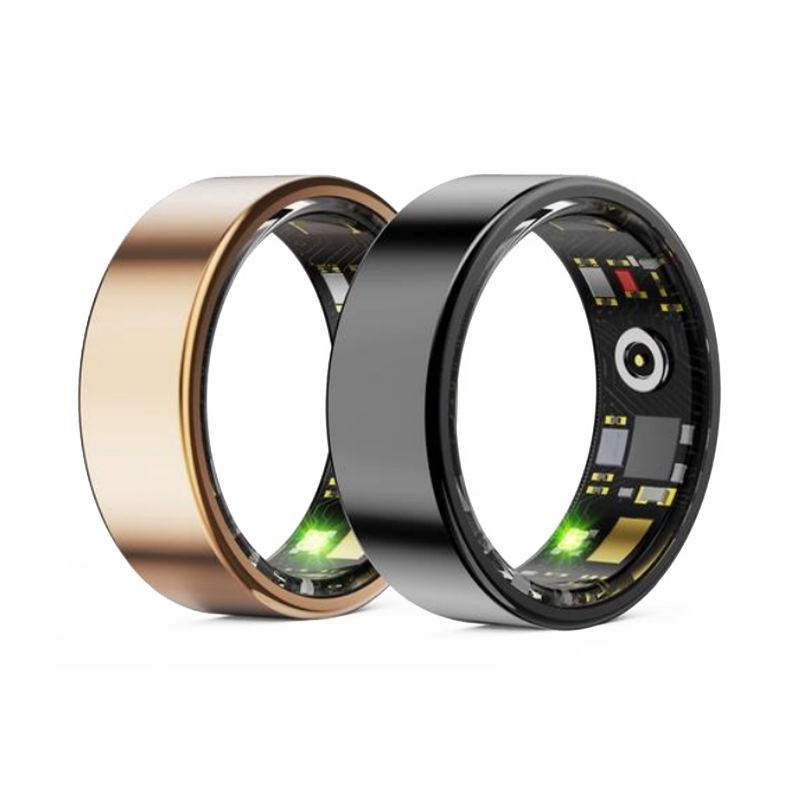 Smart Ring
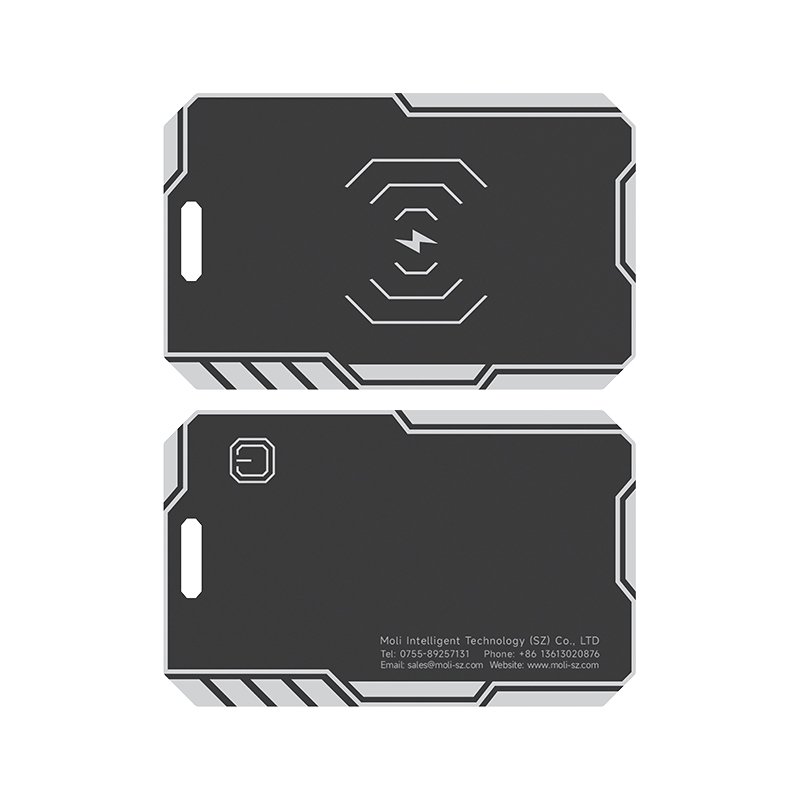 Smart Locator


 +86-13613020876

 CONTACT NUMBER
 CONTACT NUMBER