How to Choose Hands Free Smart Glasses for Business
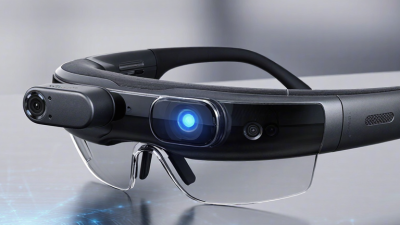
Choosing Hands-Free Smart Glasses for business requires more than comparing camera quality or display brightness. The right device must solve a real workplace problem, such as warehouse picking, remote maintenance, field inspections, or guided training. It should leave both hands available while keeping instructions visible, audible, and easy to follow. Comfort matters too. A heavy frame can become distracting after an eight-hour shift.
Steve Mann, a pioneer of wearable computing, described the concept clearly: “Wearable computing is a new form of human-computer interaction in which the computer is always with the user.” His observation remains relevant. Business glasses should support workers without interrupting their attention or making ordinary tasks harder. Buyers should examine battery life, voice-control accuracy, prescription compatibility, network performance, device management, and integration with existing software. Security and privacy controls also deserve careful review, especially when glasses handle images, customer data, or workplace conversations.
A polished demonstration can mislead.
The best evaluation uses real users in real conditions. Test the glasses beside machinery, outdoors, in bright warehouses, and during noisy calls. Measure task time, error rates, training effort, and worker acceptance. Do not assume that more features create more value. Sometimes, a simpler model performs better because employees trust it and wear it consistently. This is where procurement teams may need to rethink their priorities. The cheapest device may create hidden costs through discomfort, weak support, or poor compatibility. A practical buying framework should balance employee experience, technical capability, operational reliability, and measurable business results. That balance makes Hands-Free Smart Glasses a useful workplace tool rather than another impressive gadget.
Define Workflows and ROI: PwC Forecasts 23.5M AR/VR-Assisted Jobs by 2030
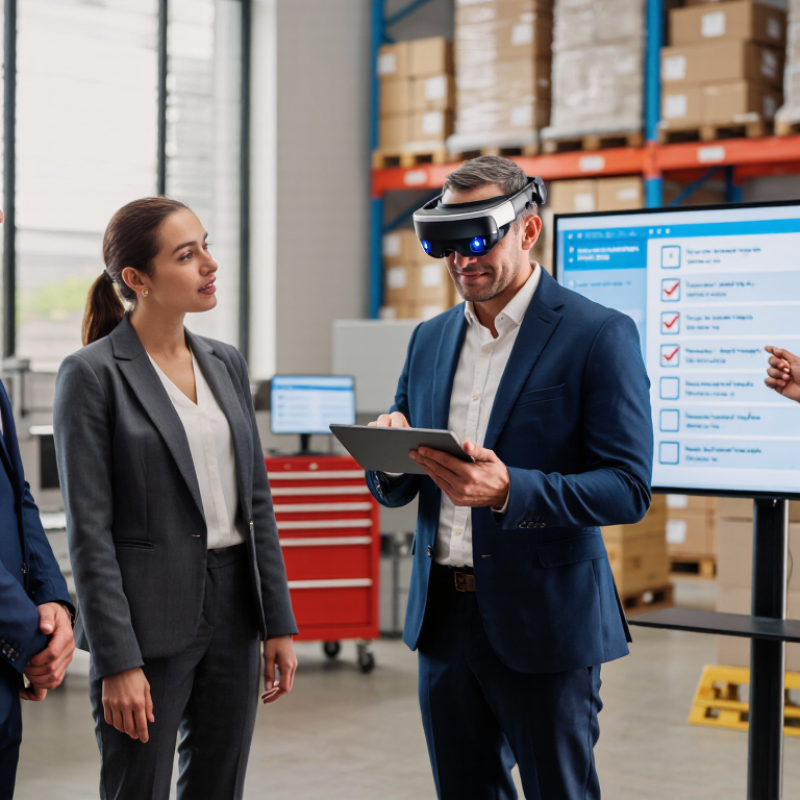
Choosing hands-free smart glasses for business should begin with workflow evidence, not visual appeal. PwC forecasts 23.5 million AR/VR-assisted jobs by 2030. That projection signals strong potential, but it does not guarantee value for every workplace. Managers should identify tasks where workers need both hands, such as warehouse picking, equipment inspection, or remote maintenance. A technician could receive step-by-step instructions while holding a tool. A picker could confirm item codes without checking a handheld screen.
Define the workflow in measurable terms. Record task time, error rates, training hours, and rework costs before introducing glasses. Then compare those figures with device costs, software integration, support, and employee training. A useful pilot might involve ten workers for four weeks. Track minutes saved per task and rejected instructions. Small gains matter when repeated hundreds of times daily. Voice control must work in noise. Displays must remain readable under bright lights.
The first pilot may reveal uncomfortable frames, glare, or misunderstood commands. That is useful evidence, not failure. Workers may also need a quick way to pause instructions during safety-critical actions. Test privacy controls, access permissions, and data retention with qualified technical and legal teams. Avoid collecting more workplace information than the workflow requires. ROI should include accuracy, onboarding speed, safety, and employee acceptance, not only labor reduction. The forecast offers direction. Your own operational data should decide the purchase.
How to Choose Hands Free Smart Glasses for Business - Define Workflows and ROI: PwC Forecasts 23.5M AR/VR-Assisted Jobs by 2030
| Workflow Area |
Hands-Free Use Case |
Required Capability |
Primary KPI |
Baseline to Capture |
ROI Calculation |
Business Priority |
| Field Service |
Display repair procedures, checklists and remote expert guidance while both hands remain available. |
Readable near-eye display, voice control, camera, secure remote collaboration and offline instructions. |
Mean time to repair; first-time-fix rate. |
Average repair duration, repeat visits, travel time and escalation frequency. |
Avoided labor and travel cost − device, software, training and support cost. |
High |
| Warehouse Operations |
Present pick lists, location prompts, barcode data and exception alerts without requiring handheld-screen use. |
Low-latency connection, barcode or text recognition, noise-tolerant audio and all-shift comfort. |
Lines picked per labor hour; picking-error rate. |
Current throughput, mis-picks, correction time and training time. |
Productivity gain plus avoided rework − total operating cost. |
High |
| Manufacturing |
Show standard operating procedures, quality checkpoints and safety warnings at the point of work. |
Hands-free navigation, durable construction, clear optics, secure device management and replaceable power options. |
Cycle time; defect rate; safety incidents. |
Instruction lookups, changeover duration, defects and near-miss events. |
Added output and reduced defects or incidents − implementation cost. |
High |
| Healthcare and Care Delivery |
Access approved records, capture notes and support remote consultation while maintaining patient interaction. |
Strong privacy controls, encryption, authentication, auditable access and reliable voice input. |
Documentation time; task completion time; privacy incidents. |
Time spent documenting, workflow interruptions and correction rates. |
Recovered professional time and reduced administrative cost − compliance and deployment cost. |
Medium |
| Training and Onboarding |
Deliver step-by-step visual guidance, assessments and remote instructor support in the work environment. |
Video and image playback, content management, user analytics and simple interaction controls. |
Time to competency; assessment pass rate. |
Training hours, instructor time, assessment results and early-stage error rates. |
Reduced classroom, travel and coaching cost − content and device cost. |
Medium |
| Inspection and Compliance |
Capture photographs, voice notes, timestamps and checklist results at the inspection location. |
High-quality camera, geotag or timestamp support, tamper-resistant records and exportable data. |
Inspection completion time; documentation completeness. |
Report preparation time, missing fields, repeat inspections and audit findings. |
Reduced reporting and repeat-inspection cost − lifecycle cost. |
High |
Market Context
Industry forecast: 23.5 million jobs could use augmented- or virtual-reality assistance by 2030.
Pilot Duration
Use a 4–8 week controlled pilot with a comparable non-device workflow where practical.
Payback Formula
Payback period = initial investment ÷ monthly net benefit.
Selection rule:
Score each solution against workflow fit, worker safety, comfort, battery coverage, connectivity, security, integration, accessibility, supportability and measurable financial impact. Validate all productivity assumptions with a controlled pilot before scaling.
Verify Safety and Durability Using ANSI Z87.1 and IP-Rating Standards
Choosing hands-free smart glasses for business requires more than checking camera quality or battery life. Safety markings deserve close attention. ANSI Z87.1 indicates that protective eyewear has been tested against specific workplace hazards. Look for permanent markings on the lenses and frame, such as Z87 or Z87+, rather than relying on a product description. Z87+ generally signals high-impact protection. However, it does not guarantee protection from every chemical, laser, or heat hazard.
Ask for the current test report or declaration of conformity. Confirm that the tested configuration matches the glasses you will purchase, including prescription inserts, side shields, and attached modules. A small mismatch can matter. The frame may pass while an added accessory changes coverage or balance.
Test the fit with helmets, ear protection, and gloves. A loose temple arm can become a distraction during a busy inspection.
The IP rating addresses dust and water resistance, not impact safety. IP54 may suit light dust and splashing, while IP67 offers stronger dust protection and temporary immersion resistance under defined test conditions.
Neither rating proves protection against pressurized cleaning, saltwater, or repeated drops. Check charging-port covers carefully. They often become the weak point. I would also request test conditions, not just the rating printed on a webpage.
Standards improve purchasing decisions, but workplace risk assessments remain essential. Even certified glasses can fail when users modify them, clean them improperly, or wear damaged lenses. Reliability is built through documented testing and honest field checks.
Evaluate Connectivity, Device Management, and GDPR Privacy Compliance
Choosing hands-free smart glasses for business requires more than checking display quality. Connectivity must remain stable in warehouses, clinics, and outdoor sites. Test Wi-Fi roaming, Bluetooth pairing, and cellular fallback before deployment. A dropped connection can interrupt a voice instruction or expose unfinished work. The Ericsson Mobility Report 2024 notes that global mobile data traffic continues to grow rapidly, increasing pressure on reliable networks. Still, that report is not glasses-specific. Treat it as context, not proof.
Device management deserves equal attention. Select glasses that support centralized enrollment, role-based access, encryption, remote locking, secure updates, and detailed audit logs. An administrator should revoke access within minutes when an employee leaves. The IBM Cost of a Data Breach Report 2024 placed the average breach cost at 4.88 million dollars. That figure covers many technologies, but it shows why unmanaged endpoints are a costly blind spot. Test the weak spots.
GDPR compliance begins with purpose limitation and data minimization. Do workers need continuous video, or only short image captures? Configure shorter retention periods, visible recording indicators, and restricted administrator access. A Data Protection Impact Assessment may be necessary when monitoring people or processing sensitive information at scale. The Cisco 2024 Data Privacy Benchmark Study reported that privacy investment produced an average 1.6-times return, though survey results cannot guarantee business outcomes. Document consent where required, clarify processor responsibilities, and review cross-border transfers. Perfect compliance is difficult; vague ownership makes it worse.
How to Choose Hands-Free Smart Glasses for Business
Procurement checklist coverage for connectivity, device management, and GDPR privacy compliance.
The checklist groups commonly required business controls: four connectivity capabilities, five device-management capabilities, and six GDPR-related privacy controls. These counts indicate evaluation areas, not a legal compliance score. Organizations should verify lawful basis, data minimization, retention, access rights, security safeguards, and processor agreements before deployment.
Quantify Privacy Risk: IBM Reports a $4.88M Average Breach Cost in 2024
Choosing hands-free smart glasses for business starts with privacy, not appearance.
A 2024 global breach-cost report placed the average data breach at
$4.88 million.
That figure changes the buying conversation. A camera, microphone, and cloud connection can turn routine fieldwork into sensitive data collection.
Ask what the glasses record, where files remain, and who can retrieve them.
Prefer devices with visible recording indicators, physical mute controls, encryption, and role-based access.
Check whether administrators can delete footage quickly. Test the process with a staged incident.
Can a supervisor disable one lost device within minutes?
Can the company identify every person who viewed the recording?
Small details matter.
A technician may capture a customer’s address on a doorstep. A warehouse worker may record a confidential shipping label. A voice command might expose private project information in a crowded room. Clear notices, restricted recording zones, and short retention periods reduce unnecessary exposure. They also support practical employee training.
No checklist is perfect.
I would still question vague claims about “secure cloud storage.”
Request independent assessments, breach-response procedures, and evidence from real deployments. Ask how updates are delivered and how long unsupported devices remain active. A low purchase price can hide higher monitoring, storage, and incident-response costs. Run a limited pilot before wider adoption, measure accidental recordings, and speak with the employees who use the glasses daily. Their complaints may reveal risks that technical demonstrations miss.
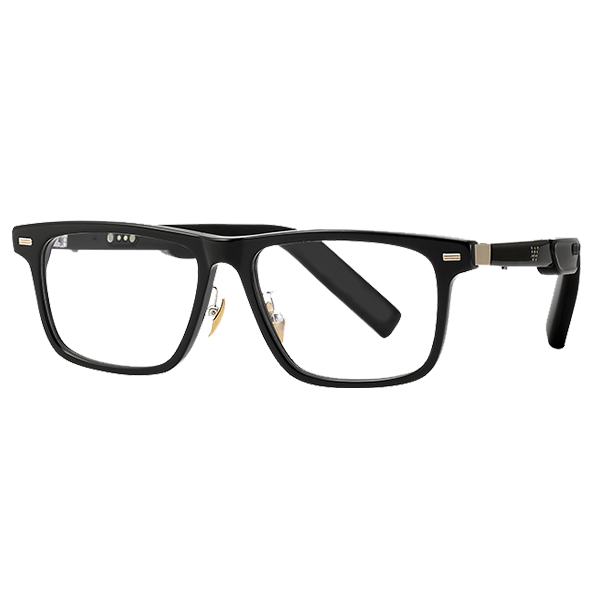 Smart Glasses
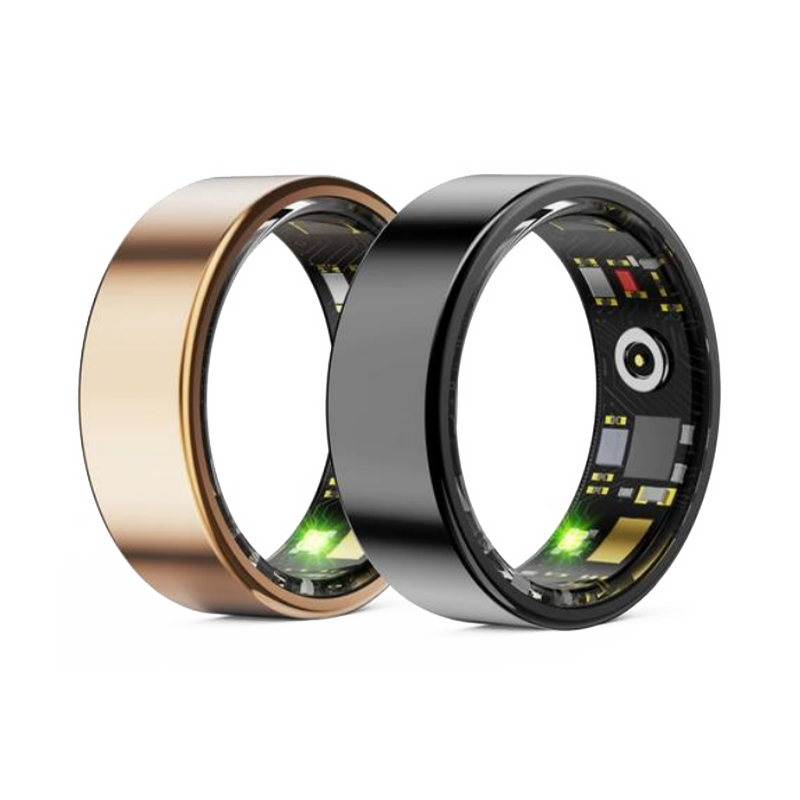 Smart Ring
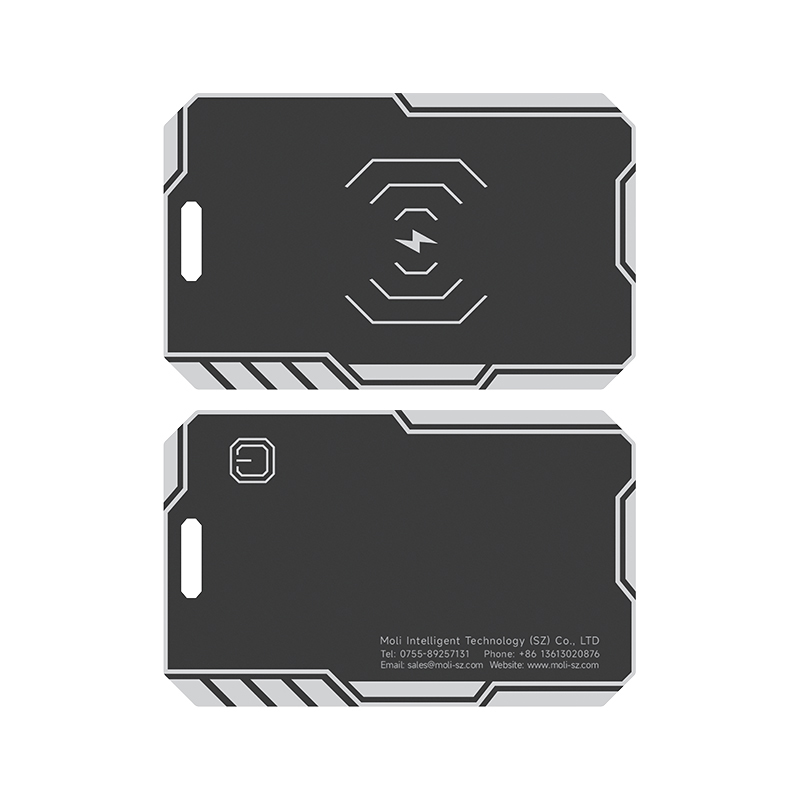 Smart Locator


 +86-13613020876

 CONTACT NUMBER
 CONTACT NUMBER